The UV photo look app for Android
Your photo.
In ultraviolet.
A normal shot looks normal. UV Cam turns it into a black-light, thermal or night-vision scene — 24 looks, live on your phone.


- Free to download
- Editing runs on your phone
- No account needed
Coming to iPhone soon.
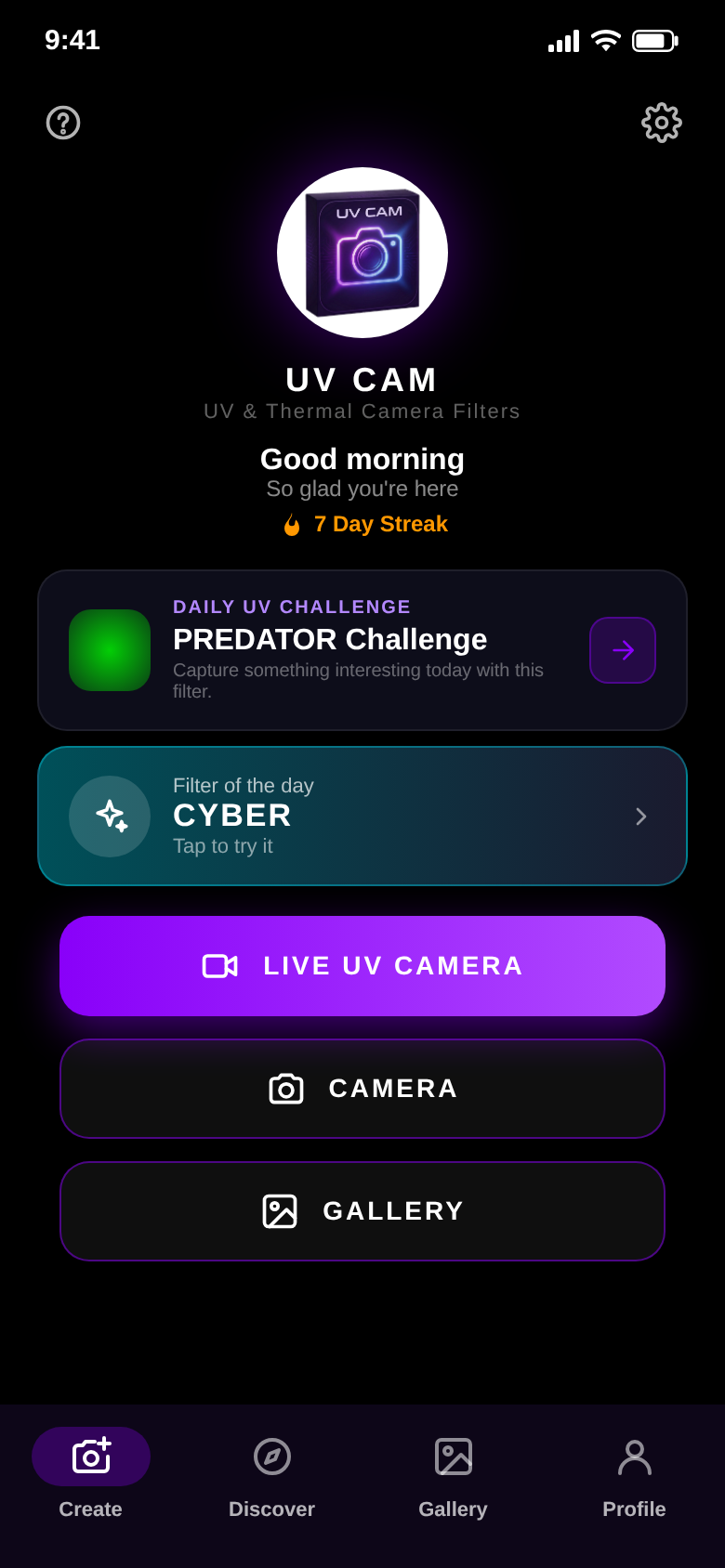
Live camera
Point the camera. See the look.
The live UV camera shows the filter before you take the shot. Or pick a photo from your gallery and start there.
A daily challenge and a filter of the day give you a reason to shoot something new.
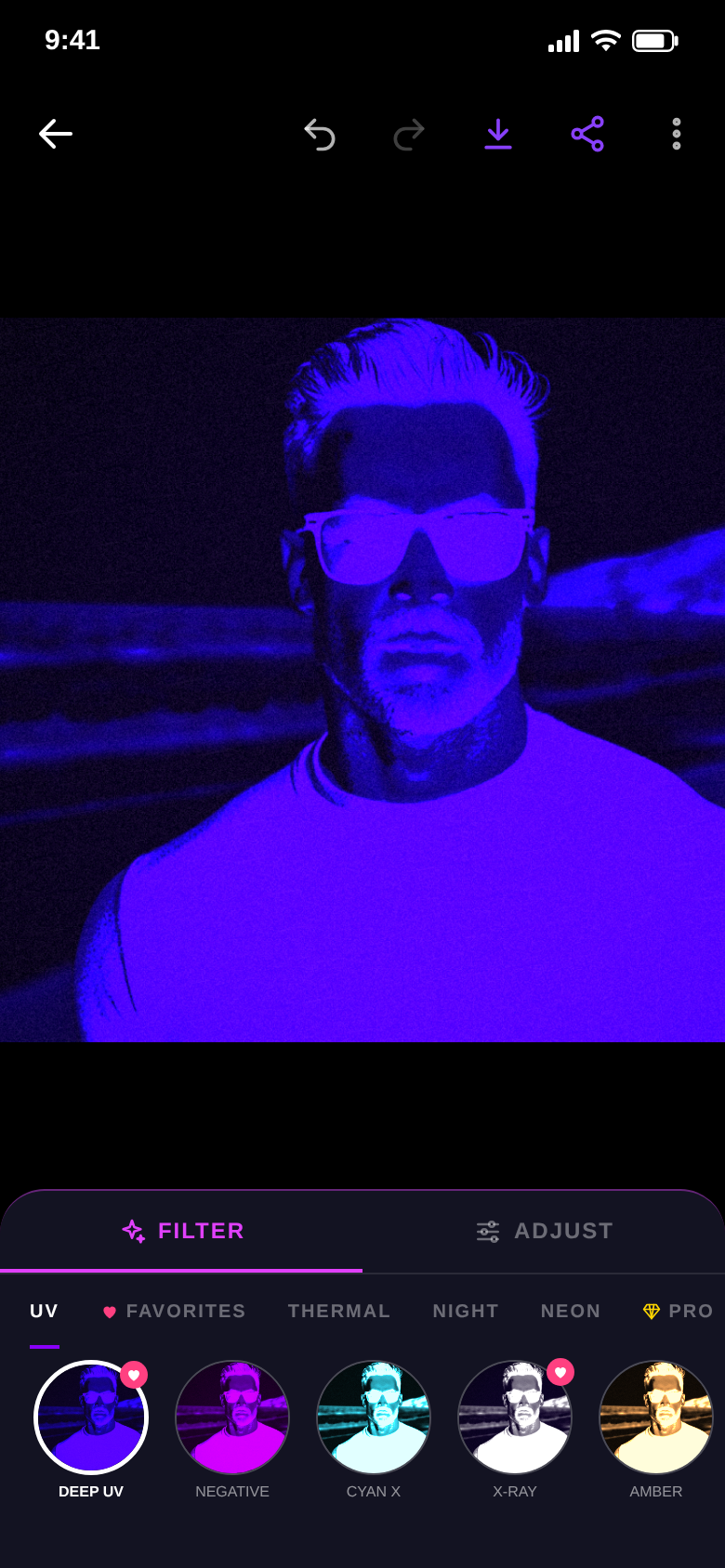
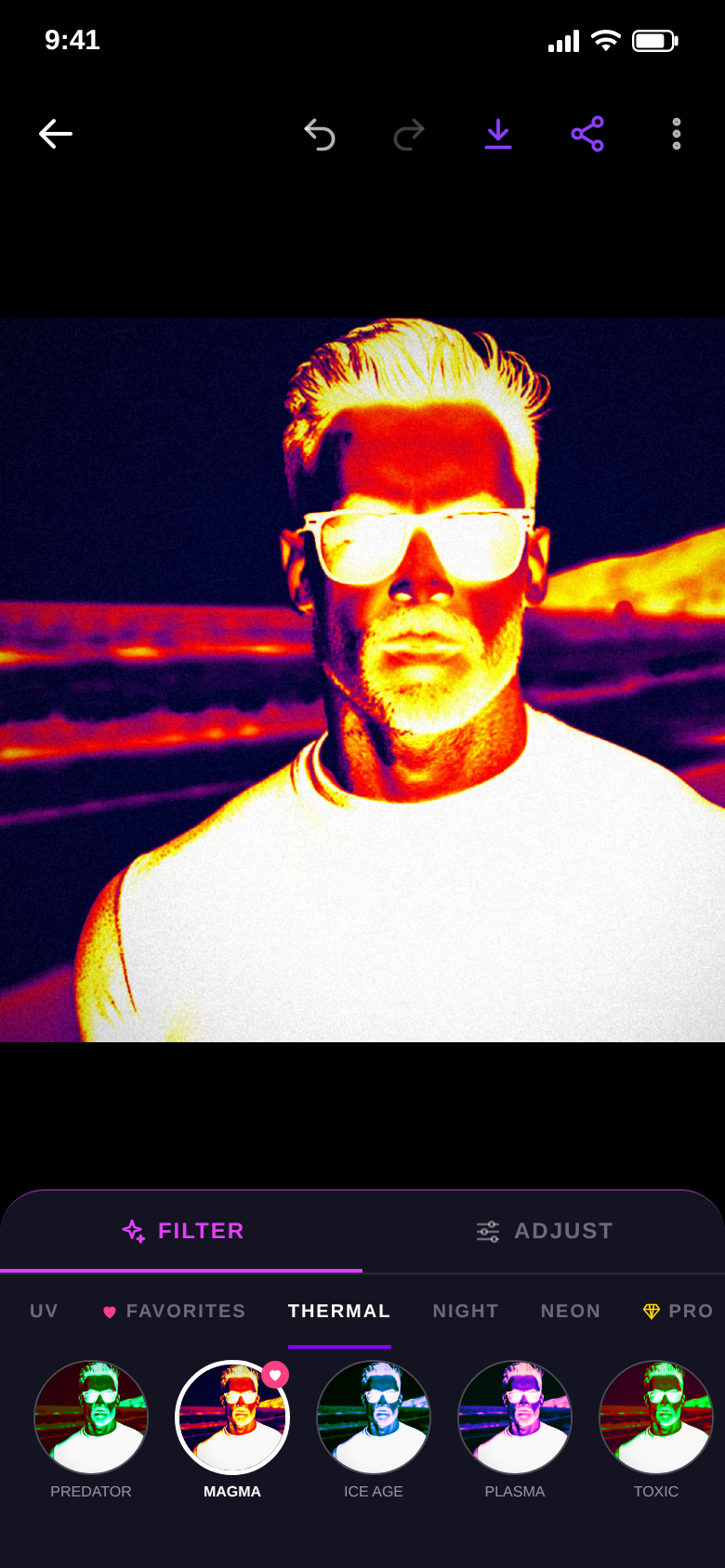
Five styles
From black light to heat map.
UV, thermal, night vision, neon and Pro looks. Deep UV, X-Ray, Magma, Thermal Hunter, Digital Rain, Cyber and more — each one its own algorithm, not a colour tint.
Tap through the rows and the result updates instantly.
A phone camera cannot see UV light.
UV Cam makes it look as if it could.
An artistic effect — not a measurement.
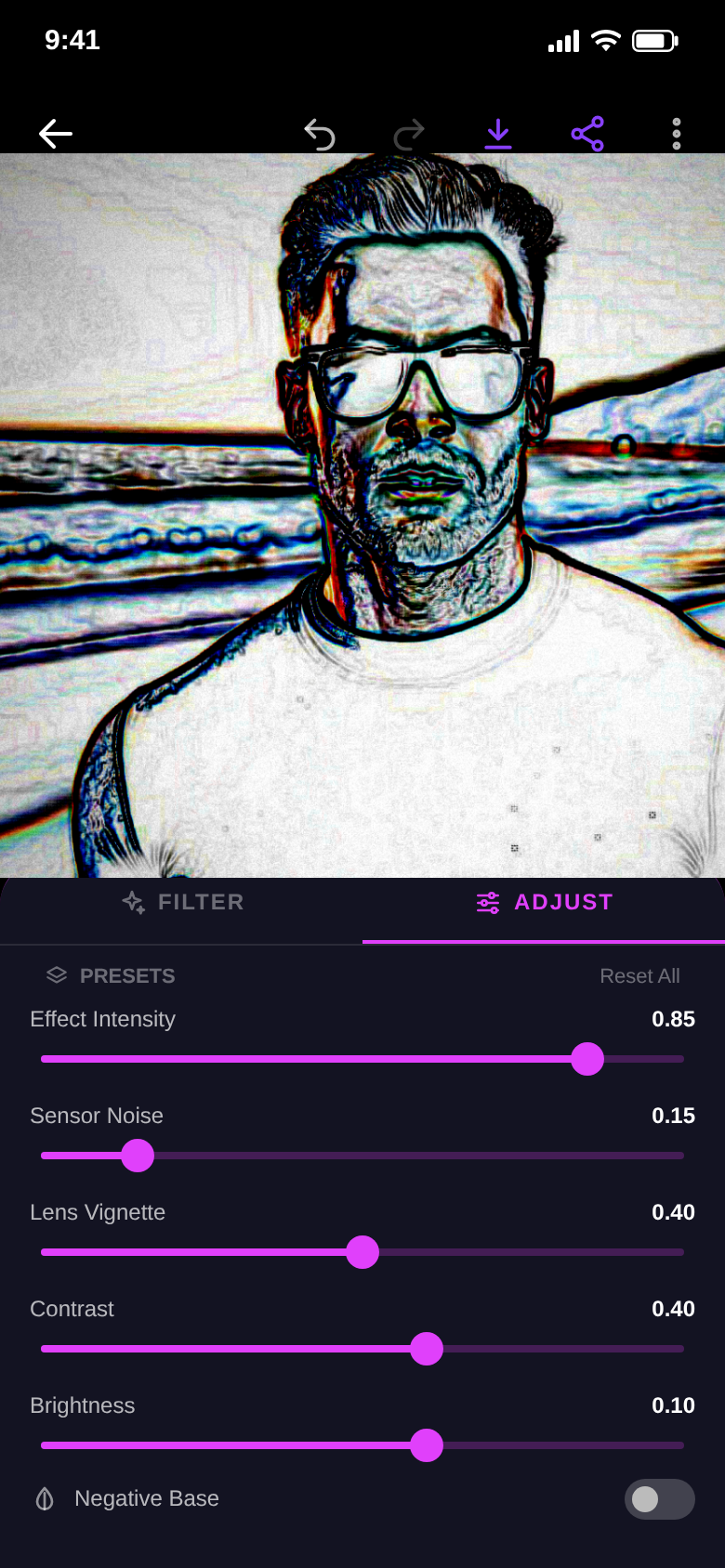
Fine-tuning
Turn it up until it looks right.
Effect intensity, sensor noise, lens vignette, contrast and brightness each have their own slider, plus a negative base switch.
Save your settings as a preset and put the same look on the next photo. Undo and redo are always there.
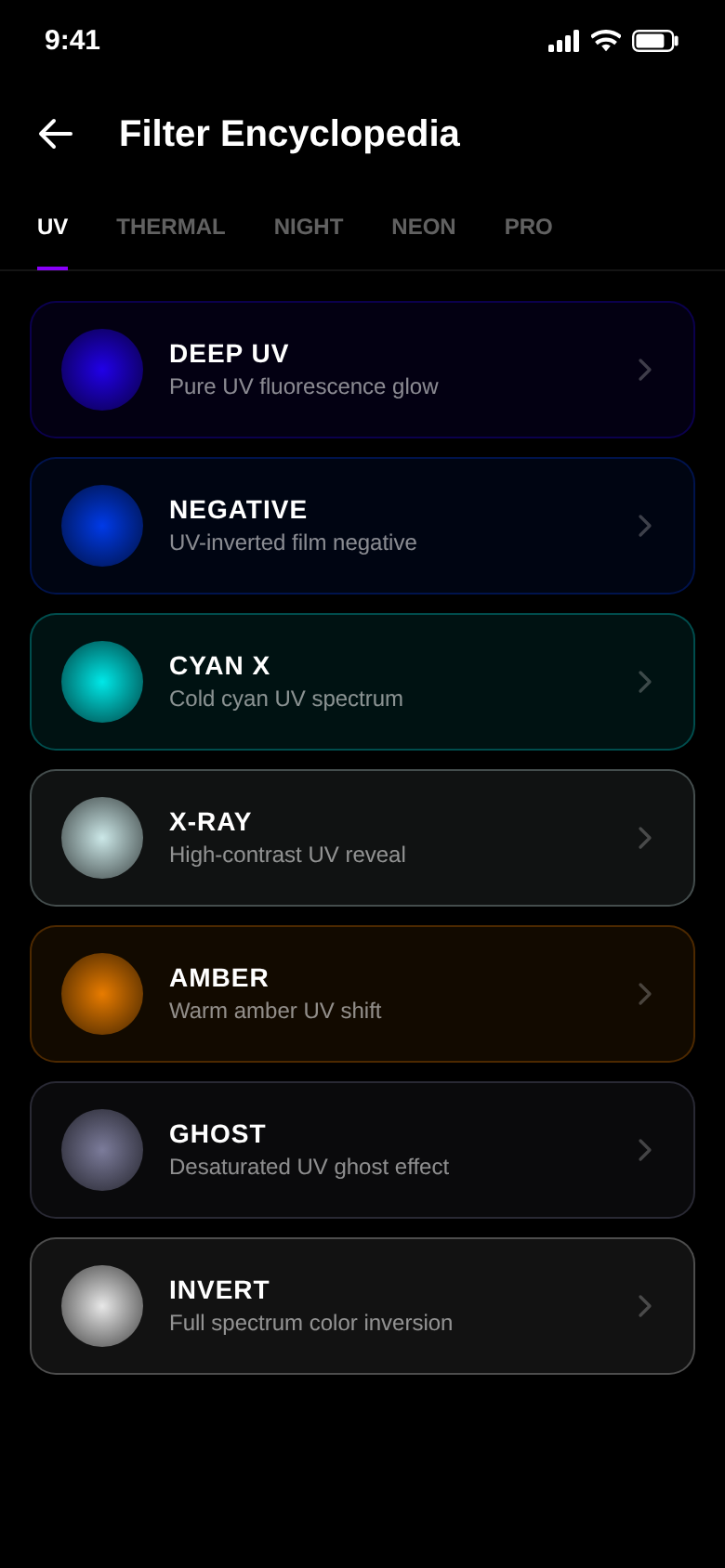
Filter guide
Know what each filter does.
The built-in guide explains all 24 filters — what the look does and which subjects it suits.
Plus UV facts in the Discover tab, from bees to banknotes.
The difference
More than a colour tint.
- One look, take it or leave it24 looks across UV, thermal, night vision and neon
- Effect strength fixedSliders for intensity, noise, vignette, contrast and brightness
- Before and after only from memoryCompare slider right in the editor
- Dialling in every photo from scratchFavourites and your own presets
- Guessing which filter fits the subjectFilter guide with subject tips
And a lot more.
Live UV camera
See the filter in the viewfinder, then shoot — or import from your gallery.
Before / after
Drag the compare slider to see the original next to the filtered version.
Favourites & presets
Mark the filters you keep coming back to and save your slider settings.
Challenges & streaks
Daily and weekly challenges, achievements, a streak counter and your UV score.
Your UV gallery
Every saved shot in one place, with stats on filters used and photos shared.
4K and 8K with Pro
Pro exports at high resolution, without the watermark and without ads.
Quick questions.
Who is UV Cam for?
What does UV Cam cost?
How does UV Cam make money?
Does the app show real ultraviolet light?
What can I do for free?
Do my photos leave the phone?
Which devices are supported?
Which languages does the app speak?
Get UV Cam.
Pick a photo, tap a look, pull the sliders. Done.
Free for Android, with ads.